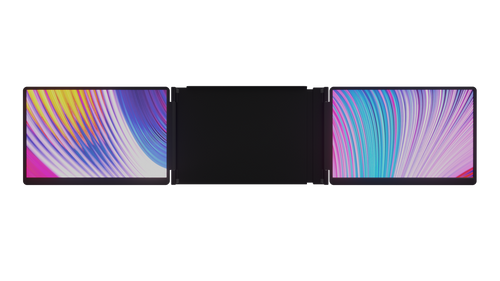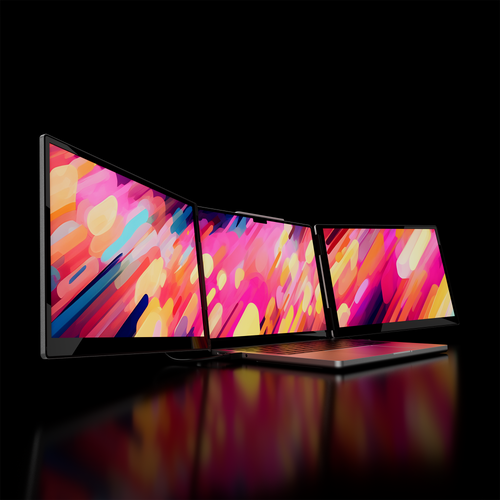

Instantly expand your laptop into a seamless tri-screen workspace.
Discover Pro DuoMonduo adds the World's Most Advanced duo screens to your laptop, creating a portable studio for work and a panoramic battlestation for play.
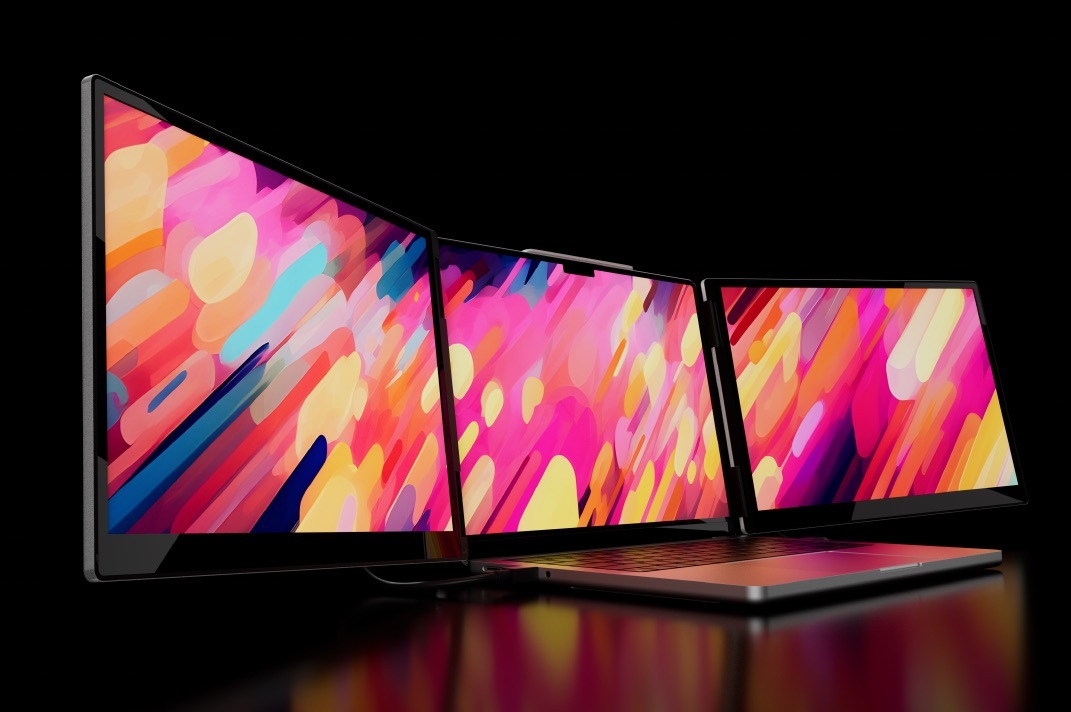
Stop juggling windows. Monduo expands your laptop with up to 200% more screen real estate, creating a seamless, panoramic canvas.
Arrange your key applications across all three screens, keeping your data, communications, and live project in full view. Work without limits, wherever you work.
Monduo adapts to your unique challenges, creating the ideal setup for any demanding task.
Dedicate a screen to your timeline, one for your full-screen preview, and another for your asset library. Experience an uninterrupted creative flow and bring your vision to life faster than ever.
Place your code editor on the center screen, your live preview on the right, and your terminal on the left. Eliminate context switching and get full visibility of your entire environment.
Keep your gameplay front and center, manage your stream controls on the left, and interact with your live community chat on the right. Build your following without missing a beat.
See the whole picture in real-time. Dedicate screens to your charting platform, live news feeds, and order books. Make faster, more informed decisions when every second counts.
The Monduo macOS app offers users intricate control over all Monduo monitors' settings and can automatically unify the interface to match the MacBook Pro's built-in display.
See what creators and our customers have to say.

"...if you're a road warrior who wants to bring lots of screen real estate with you on your travels, this is the best option I've seen."

"In terms of quality, Monduo is a step ahead of the competition: the panels have a high resolution and the values are convincing..."

"I’ve been using this monitor setup with my 14” MacBook Pro, and honestly, it’s been a game-changer. The screen quality is super sharp..."
12-Month Warranty
Free Worldwide Shipping
30-Day Risk Free Trial
The 14 Inch Pro Duo is designed for 14" MacBook Pros (M1–M4 Pro/Max) and most 14" PC laptops. The 16 Inch fits 16" MacBook Pros (M1–M4 Pro/Max) and most 16" PC laptops.
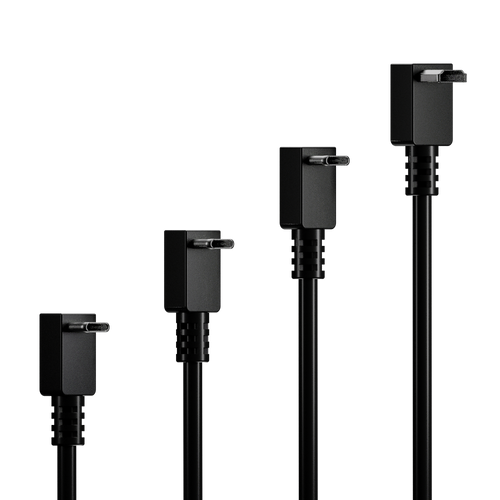
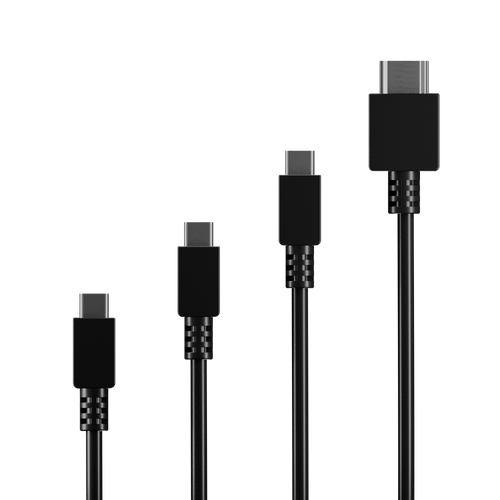
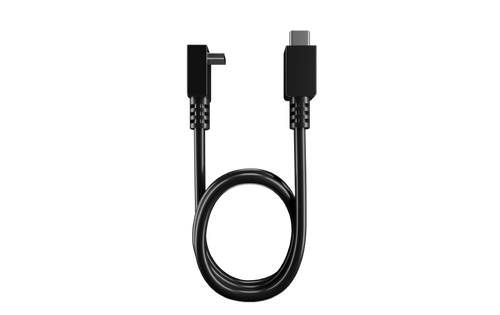
Your laptop must have two video ports — either two USB-C/Thunderbolt ports or one USB-C/Thunderbolt and one HDMI.
Use the On-Screen Display (OSD) buttons to adjust brightness, contrast, and color. On macOS, the Monduo app can also sync brightness automatically with your main display.
Yes. The USB-C ports support up to 100W pass-through charging so you can power your laptop through the displays.
No. Each display has an adjustable kickstand that supports its own weight, preventing any stress on your laptop or hinges.